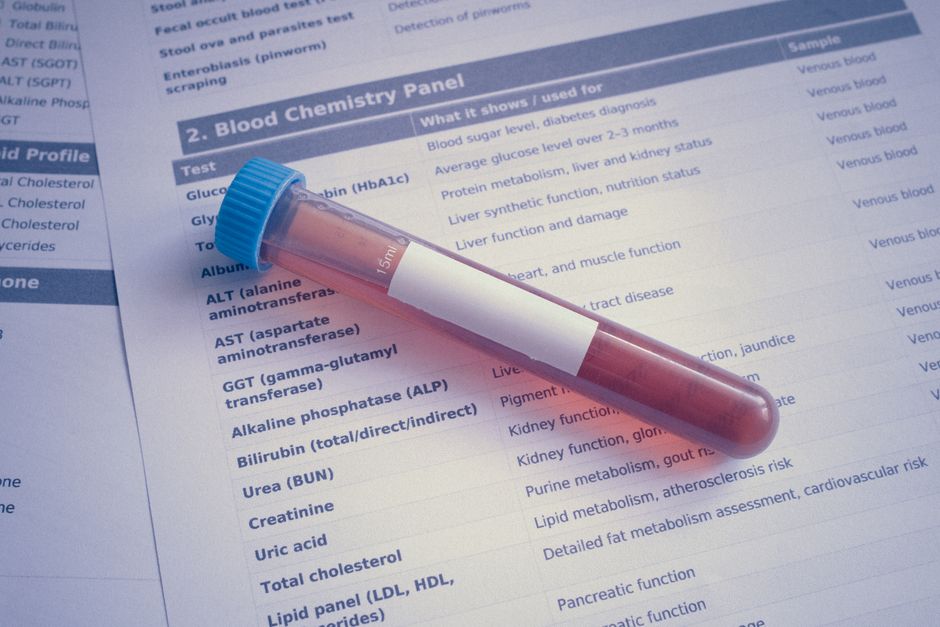
FamilyChart 1.1.0, the release the team is calling "Richer Records", is set to ship this coming weekend. The 1.0.x line got a household health tracker out the door and into daily use. This update pushes further into the awkward parts of caring for a family: reading pathology results, moving your own data around, and recording doses that happen somewhere other than your kitchen bench.
There are six areas of change. Test results arrive with privacy built into the upload path, data can be exported, restored and erased, medication timing gets a timeline and away-from-home handling, accounts gain a new limited role, the interface gets a shared component library with accessibility rules enforced in code, and self-hosters have a handful of environment variable aliases to update before upgrading. FamilyChart remains available as a managed cloud service at A$9 per month or A$90 per year during early release, or as free open-source software under AGPL-3.0 for anyone running Docker.
What's New in 1.1.0
The headline additions are grouped below:
Test results from pathology reports, with the catalogue, PDF prefill and phone-side redaction
Export, restore and erase for a single Person or an entire household
Dose timing, away-from-home doses, early-dose attachment, an Action screen timeline and a notifications tidy-up
A local Account role that sees only its own Person
A shared component library with WCAG 2.2 AA enforced by lint and axe tests
Self-hosting upgrade notes for renamed environment variables
Test Results From Pathology Reports
This is the lead feature of 1.1.0. A curated catalogue of about 45 common GP-request metrics covers full blood count, electrolytes, liver function, lipids, thyroid, iron studies, B12 and folate, HbA1c and glucose, vitamin D, and CRP. Each metric carries aliases so that report wording matches the right entry, along with a panel label, an editable default unit, and support for less-than and greater-than qualifiers. Free-text "Other" still exists for anything the catalogue does not cover.
Reading the PDF on Your Phone
The prefill routine reads the report's text layer directly on the phone. It does not use optical character recognition, it does not use AI, and it does not send anything to a third-party service. The PDF library, pdf.js, is self-hosted with the rest of the app. Every suggestion it finds is presented to the carer for confirmation before it becomes part of the record, so a misread decimal point never silently becomes a result.
Redaction Before Upload
Reports are redacted on the phone before upload. The Medicare number, date of birth, address, phone, email and healthcare identifier are all suggested for boxing. Once confirmed, the boxes are burned into the pixels of the finished file, and the app checks the output for leaks. The original file is never stored and never sent anywhere.
Symptoms and Severity Scores
Symptom entries now carry a 1 to 5 severity slider. History displays these as "Severity n/5" so a pattern is easy to spot across a week or a month. Confirmed values become read-only until you choose Edit, which keeps an accidental tap from rewriting a record you spent time checking.
Export, Restore and Erase
Data portability has been a frequent request, particularly from households that started on one server and now run another. The 1.1.0 release treats it as three separate tasks rather than one blunt tool.
Exporting a Person or a Household
You can export a single Person or the whole household as a zip file. The archive includes a readable manifest so the contents make sense without the app, a size estimate before you commit, and a warning when the export will exceed 100 MB. Optional passphrase protection keeps records unreadable if the file leaves your instance.
Restoring Without Losing a Transaction
Restore is a stepped flow: People, then Medications, then Accounts, then Review and apply. It runs inside a single transaction that rolls back on failure, so a half-finished restore does not leave you with duplicate medications. A newer version of the app can restore an export produced by an older version. Accounts come back as pending invites, and no passwords are carried across in the file.
Erasing a Person or an Account
Erasing a Person requires typed-name confirmation and shows counts before anything is removed. An Account can be permanently removed instead. Managers have a safety net: a removed Person can be put back on the list. The logs generated through these operations carry no personal data.
Medication Timing and School Doses
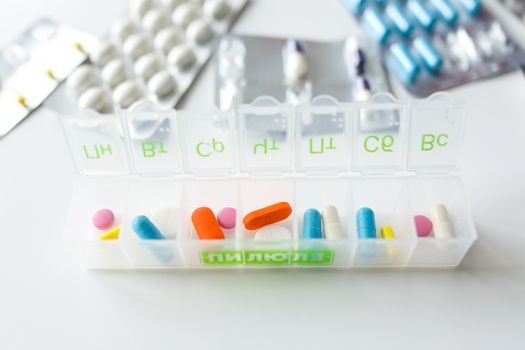
Medication tracking is the part of the app most households use every single day, and 1.1.0 adds judgement where a simple recorded or not recorded flag was too coarse.
On Time, Late, Early, Extra or Missed
A dose recorded within 10 minutes either side of its scheduled time is logged as On time. Outside that window, the app asks what actually happened: was this the previous dose taken late, the next dose taken early, or an extra dose? A scheduled dose that nobody records becomes Missed and appears in History. Missed raises no alert, and it never blocks a carer from recording what really happened.
Away-From-Home Doses Such as School
A routinely external dose, such as a midday dose taken at school, asks Yes, No or Not yet instead of showing a red overdue alert. Answering Yes shows the dose as given away from home. A daily push goes out if one still needs confirming, which covers the case where the school handover happens without a phone in hand.
Early Doses and the Timeline
Early doses now attach to the next dose, replacing the old checkbox that cancelled the next reminder. Each Action screen carries a timeline showing the last 24 hours plus 6 hours ahead, with one lane per medication and a link through to History. Schedules created mid-day start from the next dose rather than backdating a missed one, a daily schedule accepts any number of dose times, and the 24-hour maximum alert no longer fires for a scheduled once-a-day medication.
Notifications That Clear Properly
When you record a dose, your own due notification clears on all your devices. Other carers already see a message naming who acted, such as "Sam gave Oliver's medication". Hydration reminders clear once you have caught up and update quietly while you are still behind. If every push attempt fails, the reminder is not lost.

Access and Accounts
A new Role None gives an Account access only to its own Person, plus the ability to generate its own report. That suits a teenager managing their own inhaler or an adult dependant who wants their own history without seeing the rest of the household. Each Account row now shows a single status chip. The Entra access warning flags when access is not being rechecked, with a weekly push notification or an email fallback for Admins. Security hardening has also been applied across accounts, the restore flow and app lock.
Interface and Accessibility
The interface is rebuilt on a shared component library. WCAG 2.2 AA is now enforced by lint rules and axe tests, and the axe allowlist is empty, which means no known accessibility violations are being carried as accepted exceptions. Changes include breadcrumbs, per-page tab titles that avoid showing names, a clearer sign-in screen, denser lists with 44px touch targets, instance-timezone entry, an app-lock privacy cover, and branded error pages.

Upgrading a Self-Hosted Instance
Self-hosters should check their environment variables before pulling the new image, because three aliases have been removed. NEXTAUTH_USE_SECURE_COOKIES is replaced by BEHIND_REVERSE_PROXY. PUSH_OVERDUE_HOURS is replaced by FC_SCHEDULE_OVERDUE_OFFSET_MINUTES. DB_ENCRYPTION_KEY is replaced by an FC_ prefixed key of the same purpose. Check the release notes on the project repository for the exact replacement names, because the older variables will not be read once 1.1.0 is running.
Frequently Asked Questions
Is FamilyChart 1.1.0 free to self-host?
Yes. The self-hosted option remains free and open source under AGPL-3.0, deployed with Docker from the project repository. Households that would rather not run a server can use the managed cloud service instead, priced at A$9 per month or A$90 per year during early release. The 1.1.0 features described here apply to both paths.
Does a pathology PDF upload go to a third-party service?
No. The PDF text layer is read on the phone using a self-hosted copy of pdf.js. There is no OCR, no AI service and no external upload. Reports are redacted on the device before upload, with Medicare number, date of birth and contact details suggested for boxing, and the original file is never stored or sent.
How does the app handle a dose taken at school?
A routinely external dose asks Yes, No or Not yet rather than showing a red overdue alert. Answering Yes records the dose as given away from home. If a confirmation is still outstanding, a daily push notification is sent so nothing quietly disappears from the record. A dose nobody records becomes Missed in History.
What happens to a missed dose?
A scheduled dose that nobody records becomes Missed and appears in History. It raises no alert and it never blocks a carer from recording a dose afterwards. When a dose is recorded outside the 10-minute window, the app asks whether it was the previous dose taken late, the next dose taken early, or an extra dose.
Can I move my household data to a different instance?
Yes. You can export a single Person or the entire household as a zip with a readable manifest, a size estimate and a warning above 100 MB, with optional passphrase protection. Restore runs as a stepped flow in one transaction that rolls back on failure. Accounts return as pending invites with no passwords carried over.